> ## Documentation Index
> Fetch the complete documentation index at: https://second.tech/docs/llms.txt
> Use this file to discover all available pages before exploring further.
# Overview
The Bark plugin adds Lightning and Ark payments to your BTCPay Server store. Payments are self-custodial and require no Lightning node, no channels, and no liquidity management.
## Where checkout payments land
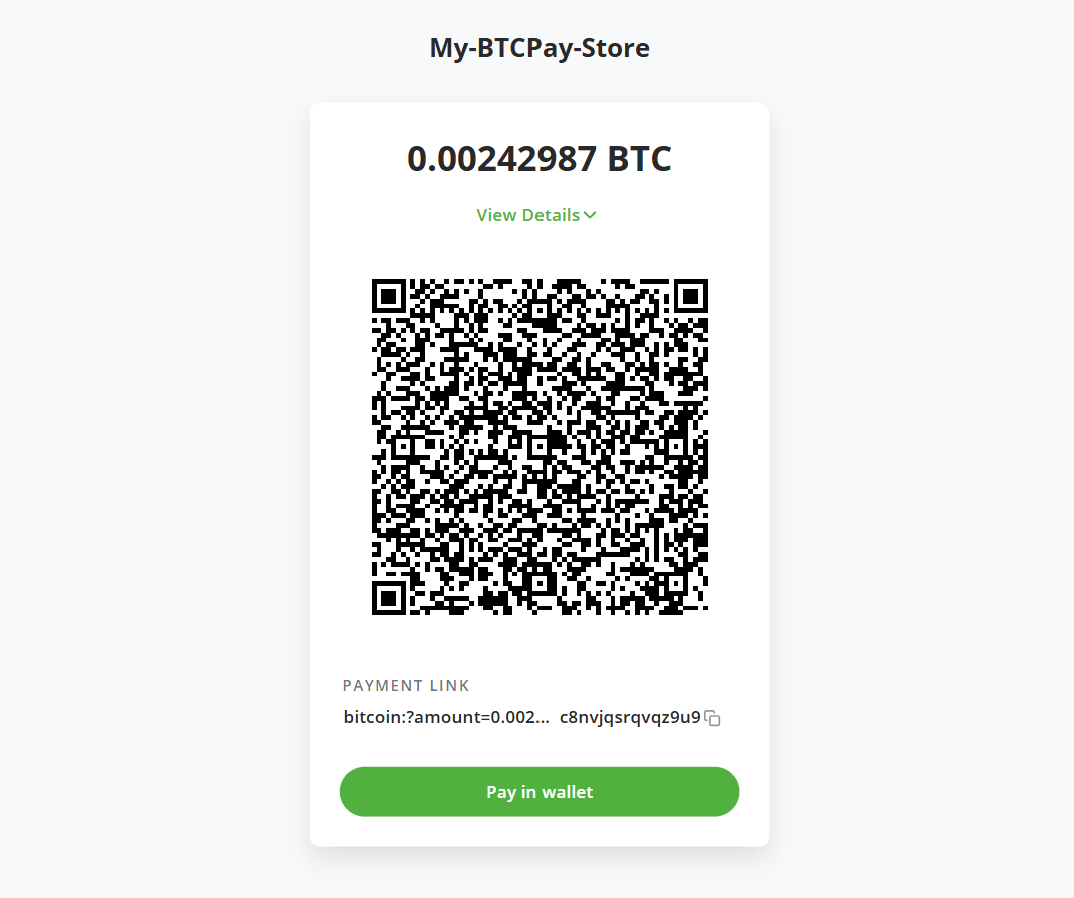
Your customers pay through the regular BTCPay checkout and see nothing new. Behind the checkout, the plugin splits payments across two wallets:
* **Lightning and Ark payments:** Arrive in your store's Bark wallet.
* **On-chain payments:** Arrive in your store's native BTCPay wallet, exactly as before the plugin.
 ## What the plugin manages for you
* **One Bark wallet per store:** Each store on your server gets its own Bark wallet, with its own keys and balance.
* **Wallet maintenance:** The Bark plugin is a full-fledged Bark instance and handles all required maintenance tasks (e.g., [refreshes](/docs/learn/rounds)) in the background for you.
* **Notifications:** Bark wallet events feed into your usual BTCPay notification stream: received and sent payments, completed on-chain payments and exits, expiring VTXOs, and wallet issues.
## Set up and run your store's wallet
Install the plugin on your server and set up a Bark wallet for your store.
How to read the Bark dashboard, including off-chain and on-chain balances.
Move bitcoin in and out of the wallet from the admin interface.
Inspect, refresh, and spend individual VTXOs.
Payment toggle, refresh behavior, and the emergency exit.
## What the plugin manages for you
* **One Bark wallet per store:** Each store on your server gets its own Bark wallet, with its own keys and balance.
* **Wallet maintenance:** The Bark plugin is a full-fledged Bark instance and handles all required maintenance tasks (e.g., [refreshes](/docs/learn/rounds)) in the background for you.
* **Notifications:** Bark wallet events feed into your usual BTCPay notification stream: received and sent payments, completed on-chain payments and exits, expiring VTXOs, and wallet issues.
## Set up and run your store's wallet
Install the plugin on your server and set up a Bark wallet for your store.
How to read the Bark dashboard, including off-chain and on-chain balances.
Move bitcoin in and out of the wallet from the admin interface.
Inspect, refresh, and spend individual VTXOs.
Payment toggle, refresh behavior, and the emergency exit.