

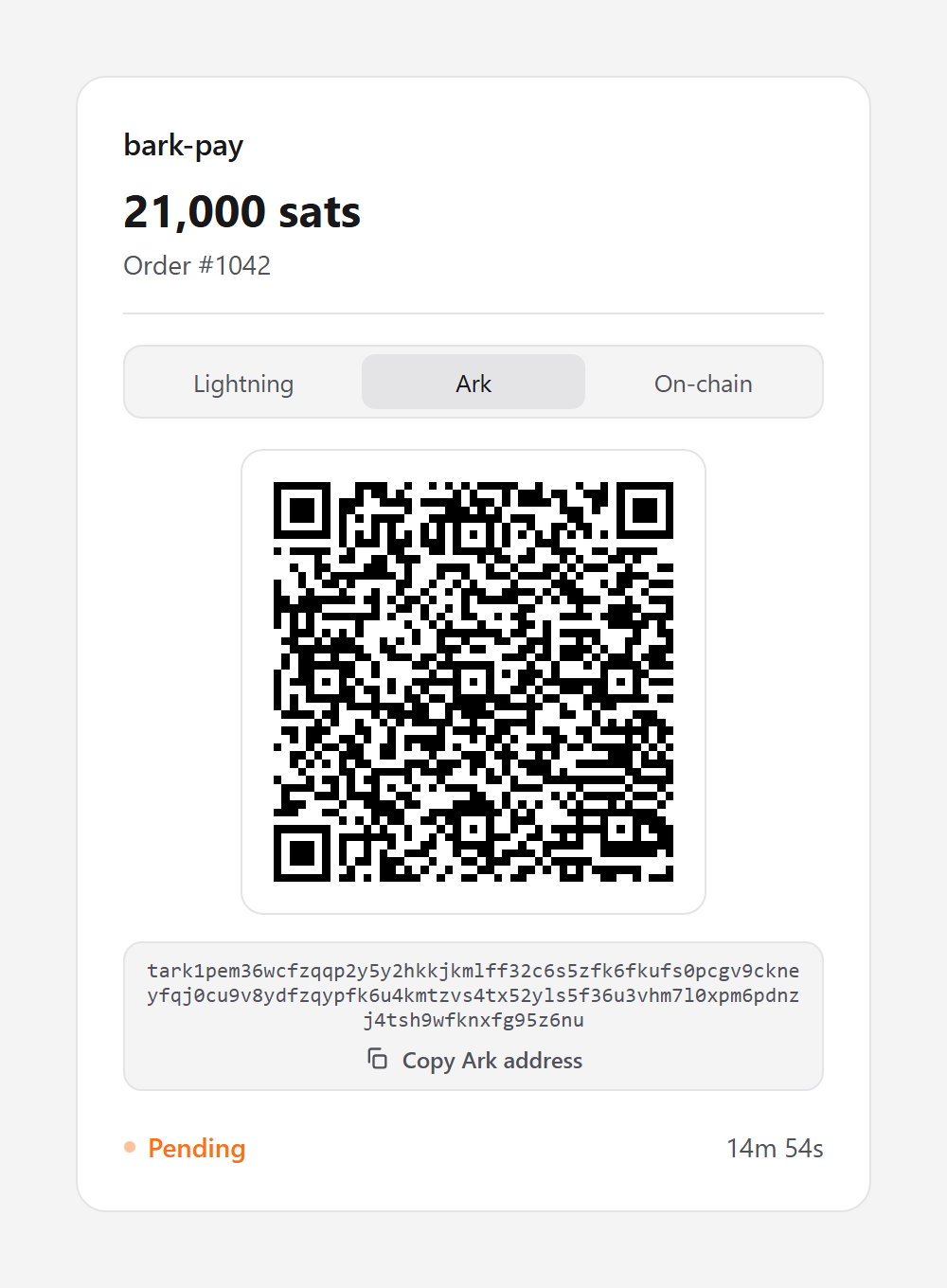
The page opens on the Ark tab when the charge offers Ark. Your customer selects Lightning or On-chain to pay another way
Follow a payment on the page
Your customer scans the QR code with a wallet app, or selects Copy Lightning invoice, Copy Ark address, or Copy On-chain address and pastes it in. A charge with a single payment method shows no tabs. The page updates itself:Checkout branding
Select Branding in the sidebar to change how every checkout page looks:- Display name: Replaces the
bark-paywordmark at the top of the page. - Accent color: The highlight color, as a hex value. Select it from the swatch or type it.
- Logo: Upload a PNG, JPEG, or WebP up to 200 KB, or paste an image URL.
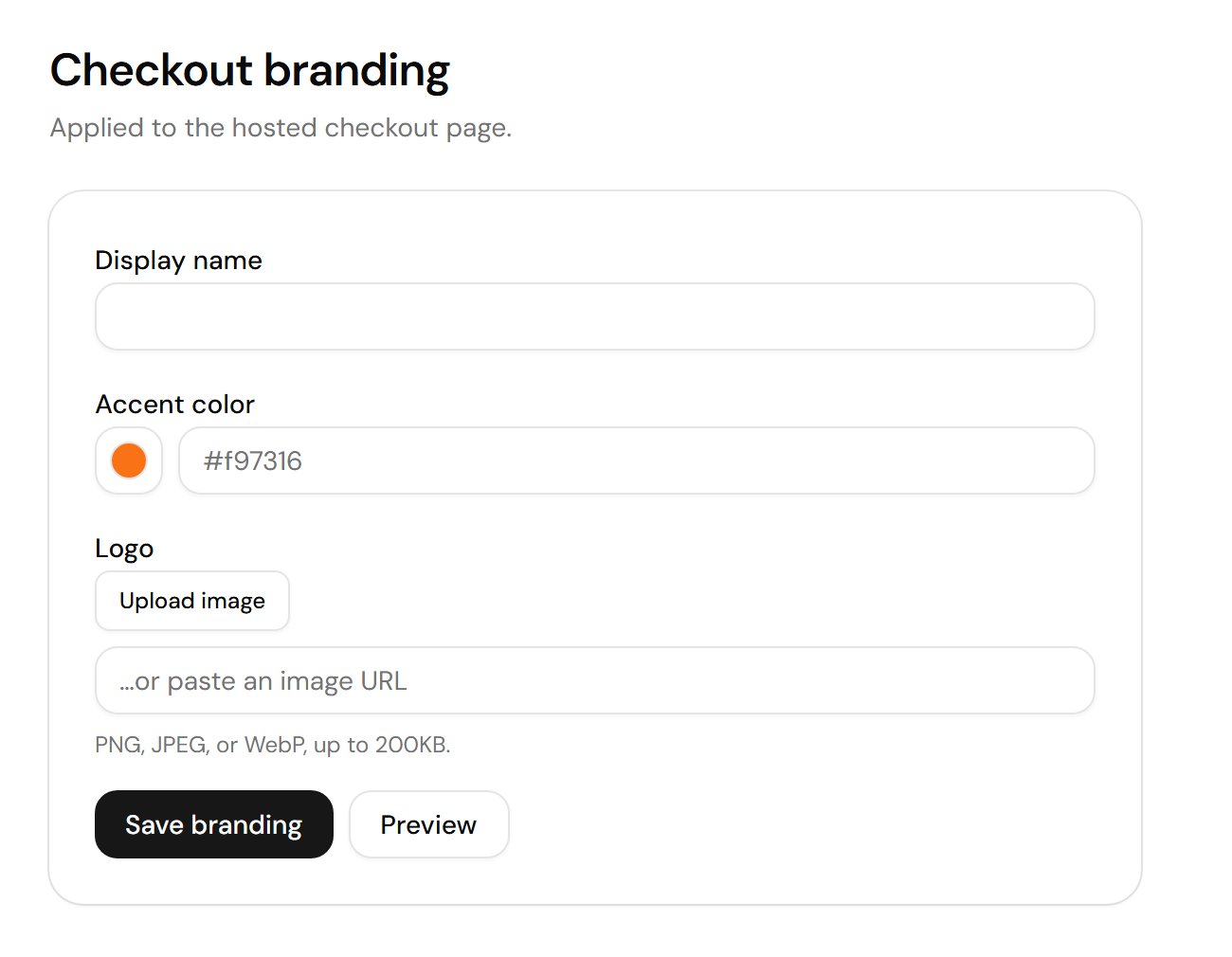
Branding applies to every hosted checkout page at once