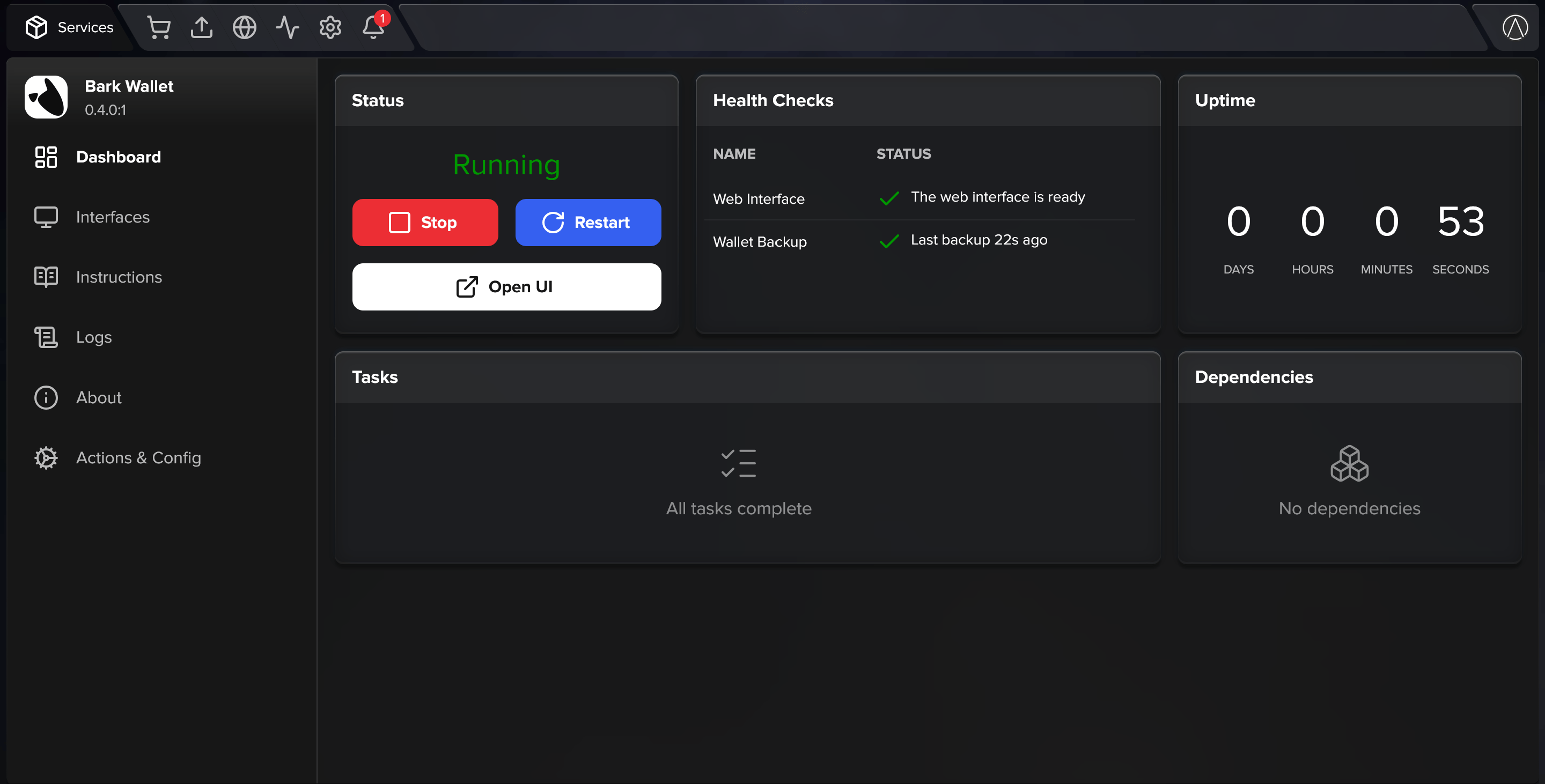
- Write down your seed phrase: This is enough to recover your balance in the event of a system failure. Recovery from the seed phrase alone requires the Ark server’s cooperation, and it doesn’t restore your payment history or the state of any in-progress exits.
- Set up continuous backups (optional): A backup that you fully control, with your entire payment history included.
Write down your seed phrase
The wallet app showed you your 12-word seed phrase when you created the wallet. If you haven’t written it down yet, reveal it in Settings.1
Open Settings
Select Settings in the wallet app’s sidebar.
2
Reveal the seed phrase
Scroll to the Seed phrase field at the bottom of the page and select the eye icon.
3
Write down the 12 words
Copy them in order, somewhere safe and offline. The seed phrase never changes, so this is a one-time step.
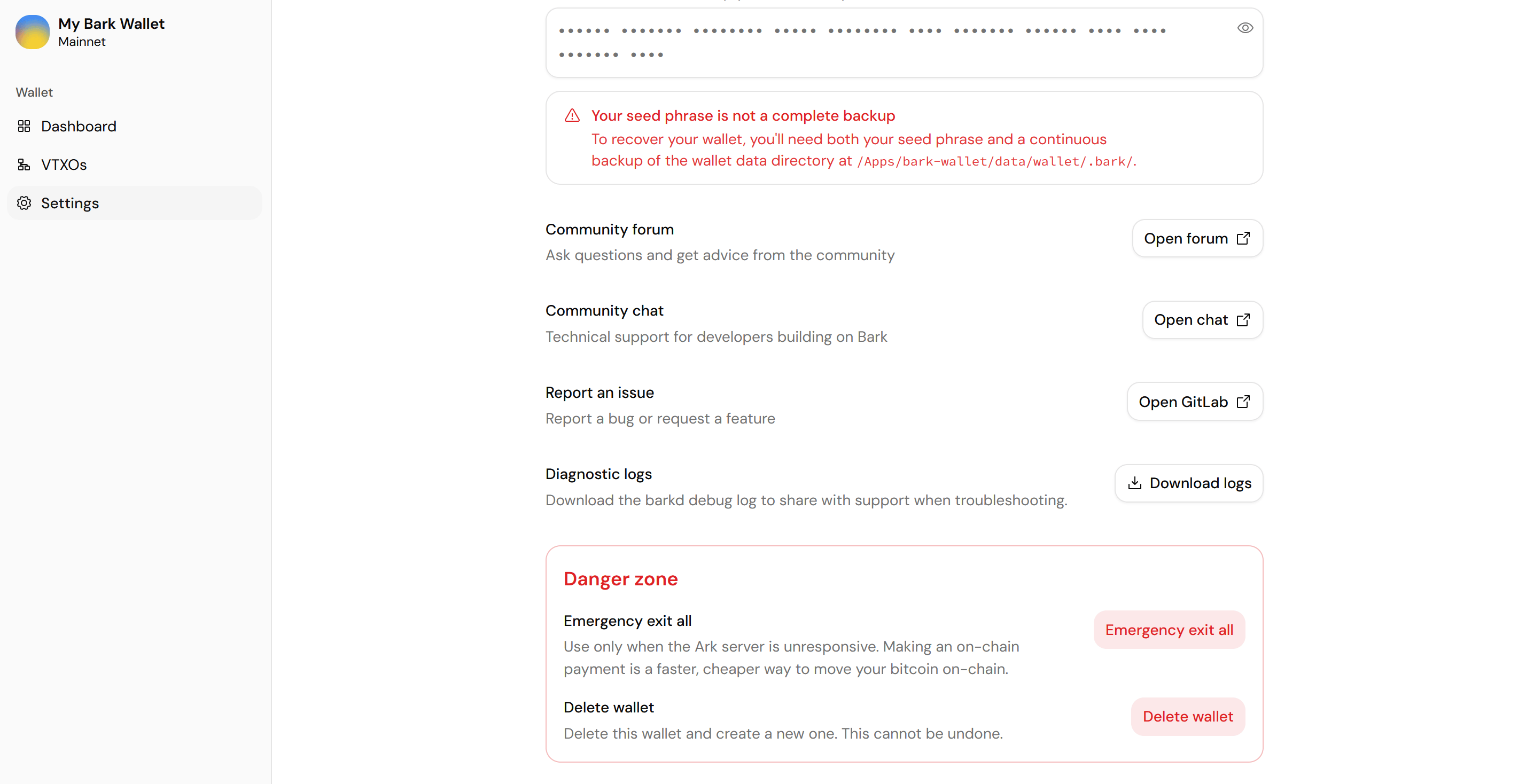
The revealed seed phrase and its backup warning in Settings
Set up continuous backups
- Umbrel
- Start9
- Self-host
 Umbrel
 Start9
 Self-host
We don’t have a mature continuous backup solution for Bark Wallet on Umbrel yet. For adventurous users, some options to consider:
- Native umbrelOS backups: Encrypted backups of your Umbrel, wallet directory included, taken every hour.