

One balance, two sub-balances
Your wallet balance is shown at the top of the dashboard, and is made up of two sub-balances:- Off-chain: Where Ark and Lightning payments arrive, held in VTXOs.
- On-chain: Where on-chain payments arrive, held in regular UTXOs.
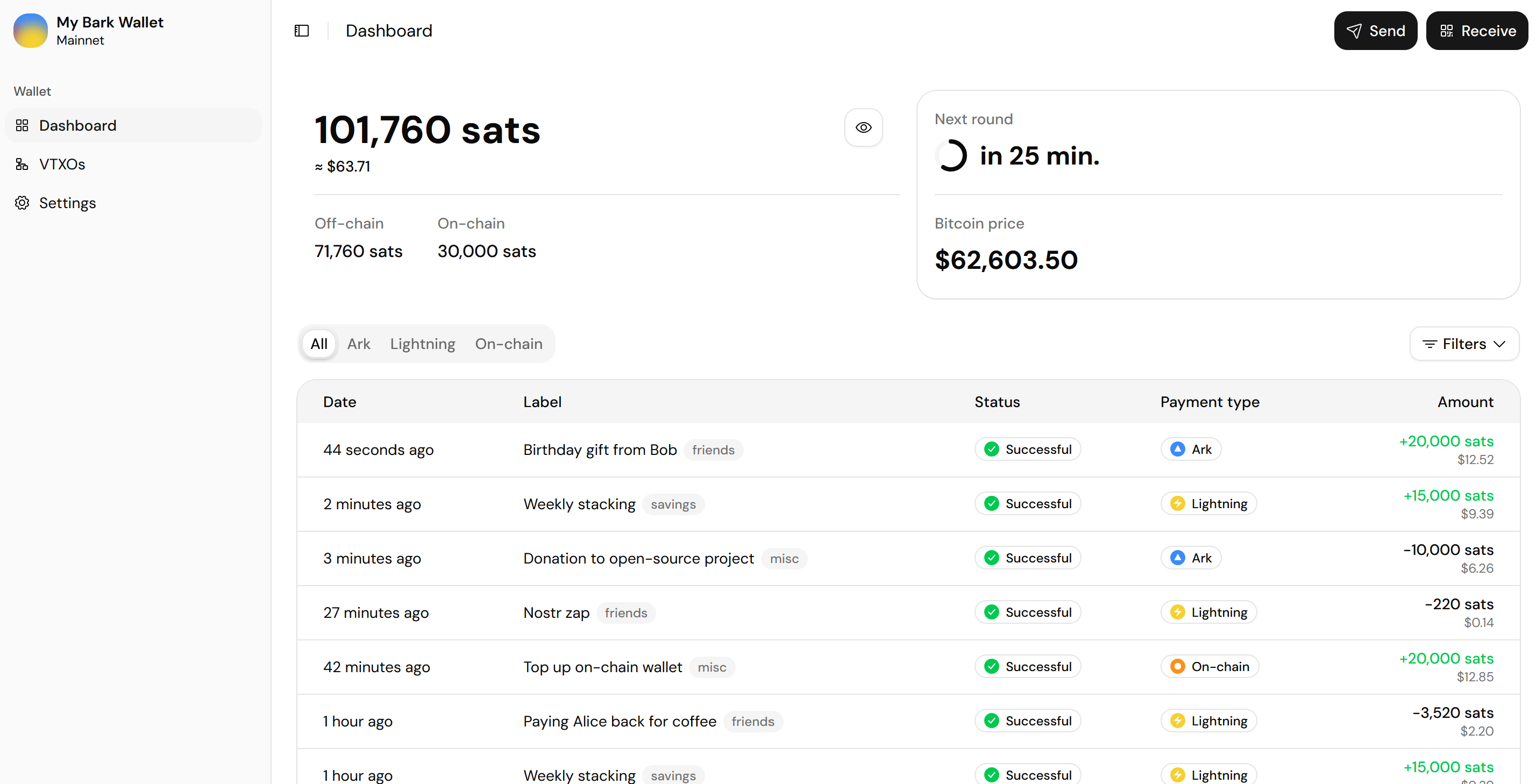
The main balance totals its sub-balances
Your off-chain balance
Your off-chain balance is the bread and butter of your wallet, where most of your transaction activity takes place.- Sending: You can pay anyone from your off-chain balance, whether over Ark, Lightning, or on-chain.
- Receiving: Ark and Lightning payments arrive in your off-chain balance. On-chain payments arrive in your on-chain balance instead.
Your on-chain balance
Your on-chain balance can receive bitcoin from on-chain payments, offboards, and emergency exits. It also covers the on-chain fees in the event you need to make an emergency exit. To move bitcoin into or out of your on-chain balance, use the on-chain option when making a Receive or Send.Pending sub-balances
Bitcoin on the move shows as a pending sub-balance. It counts toward your main balance, but can’t be spent until it settles.The next round countdown
The card beside the balance counts down to the next round, which is when queued refreshes execute.History
The history table mixes your payments with wallet maintenance. Maintenance entries (refreshes and exit fees) are hidden by default. Reveal them from the Filters menu. The All, Ark, Lightning, and On-chain tabs filter by network. Select a row to open the transaction details:- Where the bitcoin went or came from.
- The fee.
- Created and completed timestamps.
- An editable label and tags.
- A Copy raw JSON button for troubleshooting.
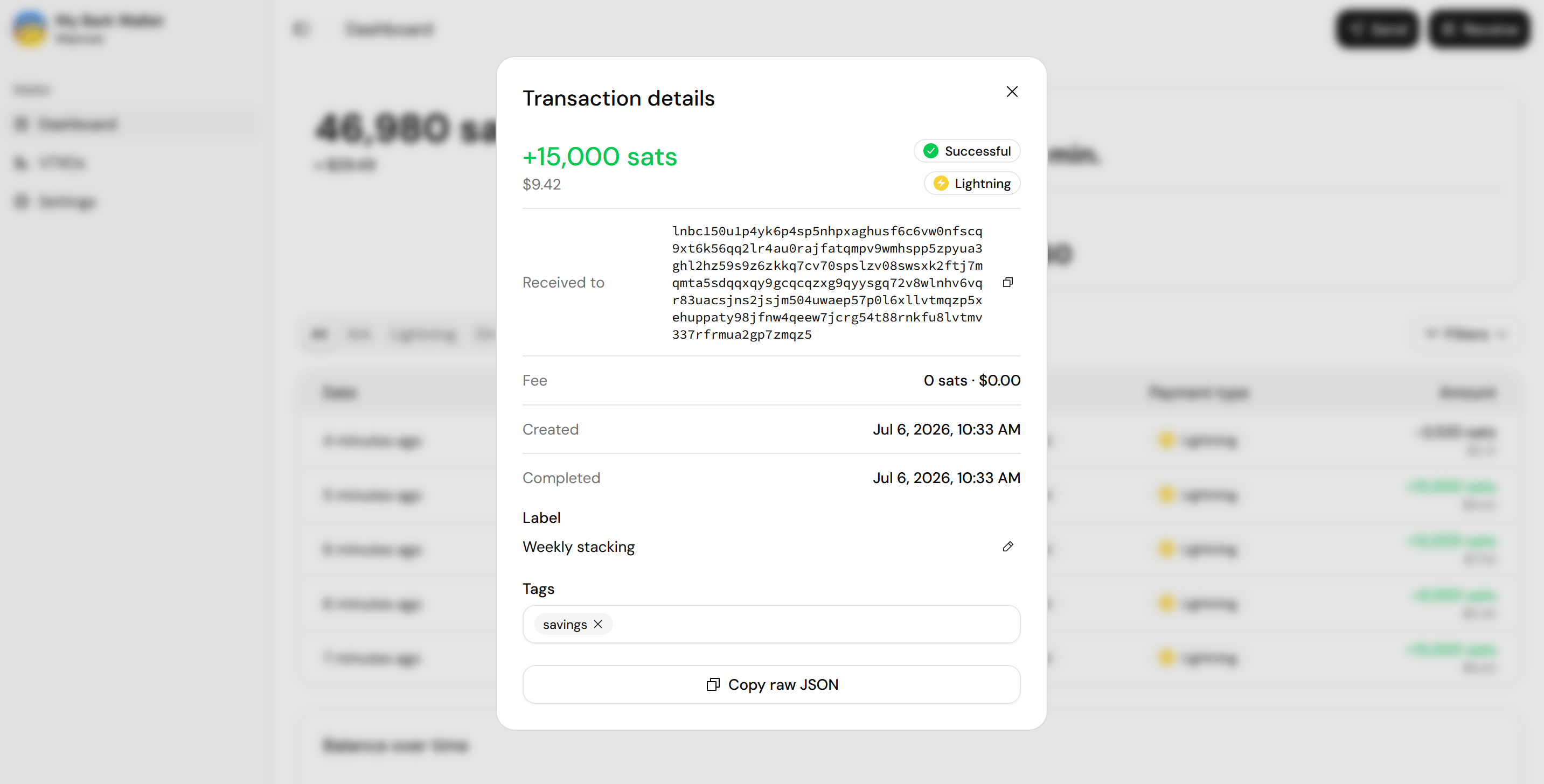
Every entry carries its destination, fee, and an editable label and tags