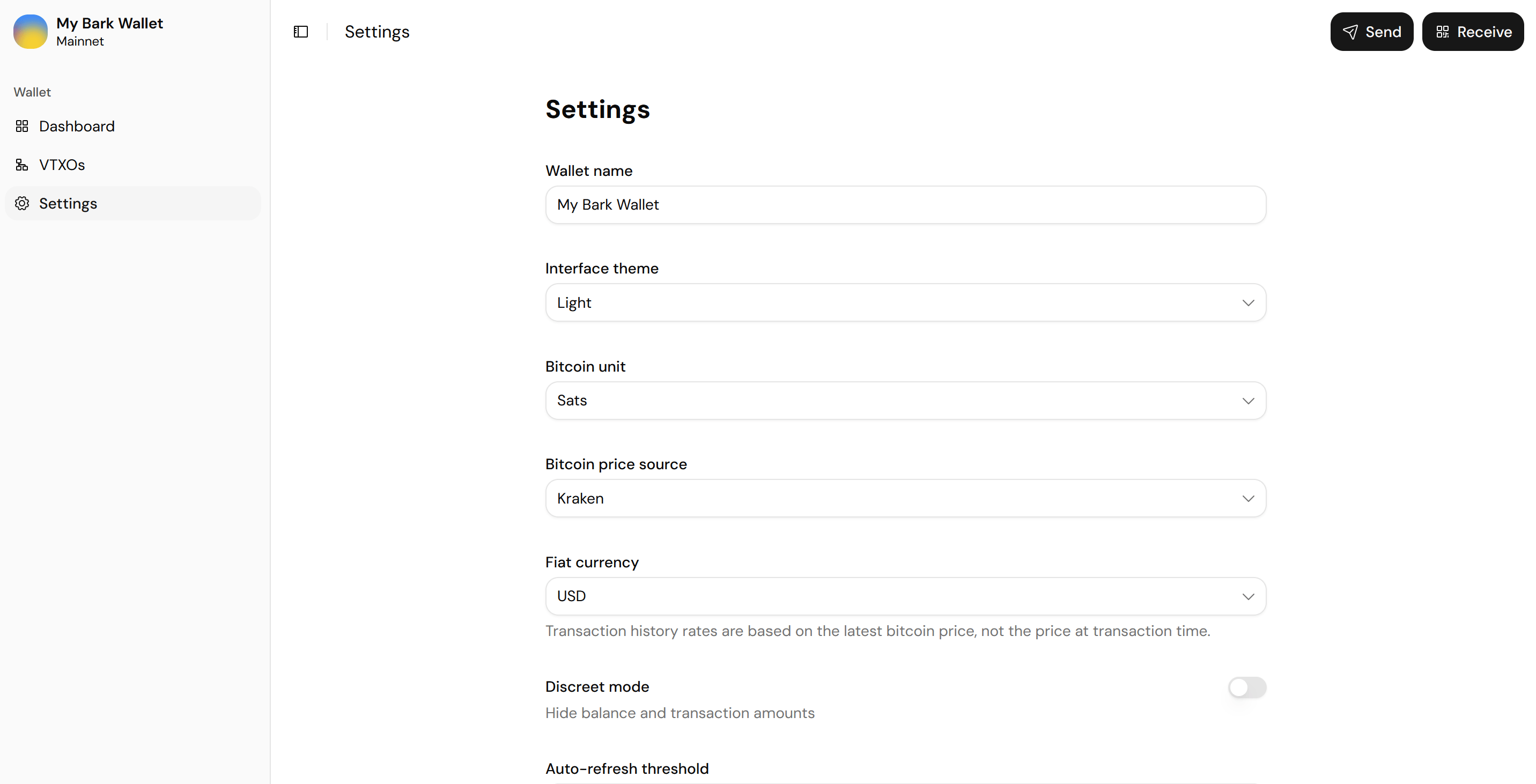
Display, units, and price
- Wallet name: The name shown in the sidebar.
- Interface theme: Light, Dark, or System (the default).
- Bitcoin unit: Amounts in Sats (the default) or Bitcoin.
- Bitcoin price source: Kraken (the default), CoinGecko, or Binance.
- Fiat currency: USD (the default) or EUR. The wallet app values history rows at the latest price, not the price at payment time.
- Discreet mode: Hide balances and transaction amounts. Off by default.
Refresh behavior
Auto-refresh threshold
The wallet app refreshes any VTXO whose remaining lifetime drops below this threshold. Every option in the picker is labeled with its cost. The default, one day before expiry, keeps automatic refreshes free, while wider thresholds trade liquidity fees for a larger safety margin.Refresh on receive
Off by default. When enabled, the wallet app refreshes each received VTXO in the next available round rather than waiting for the threshold. Maximum security, at a significantly higher running cost: see receiving a Lightning payment for the trust model, and Second’s pricing.Refresh all
Queue every VTXO in your wallet for the next round.Back up your seed phrase
The Seed phrase control reveals your wallet’s 12 words; write them down somewhere safe and offline.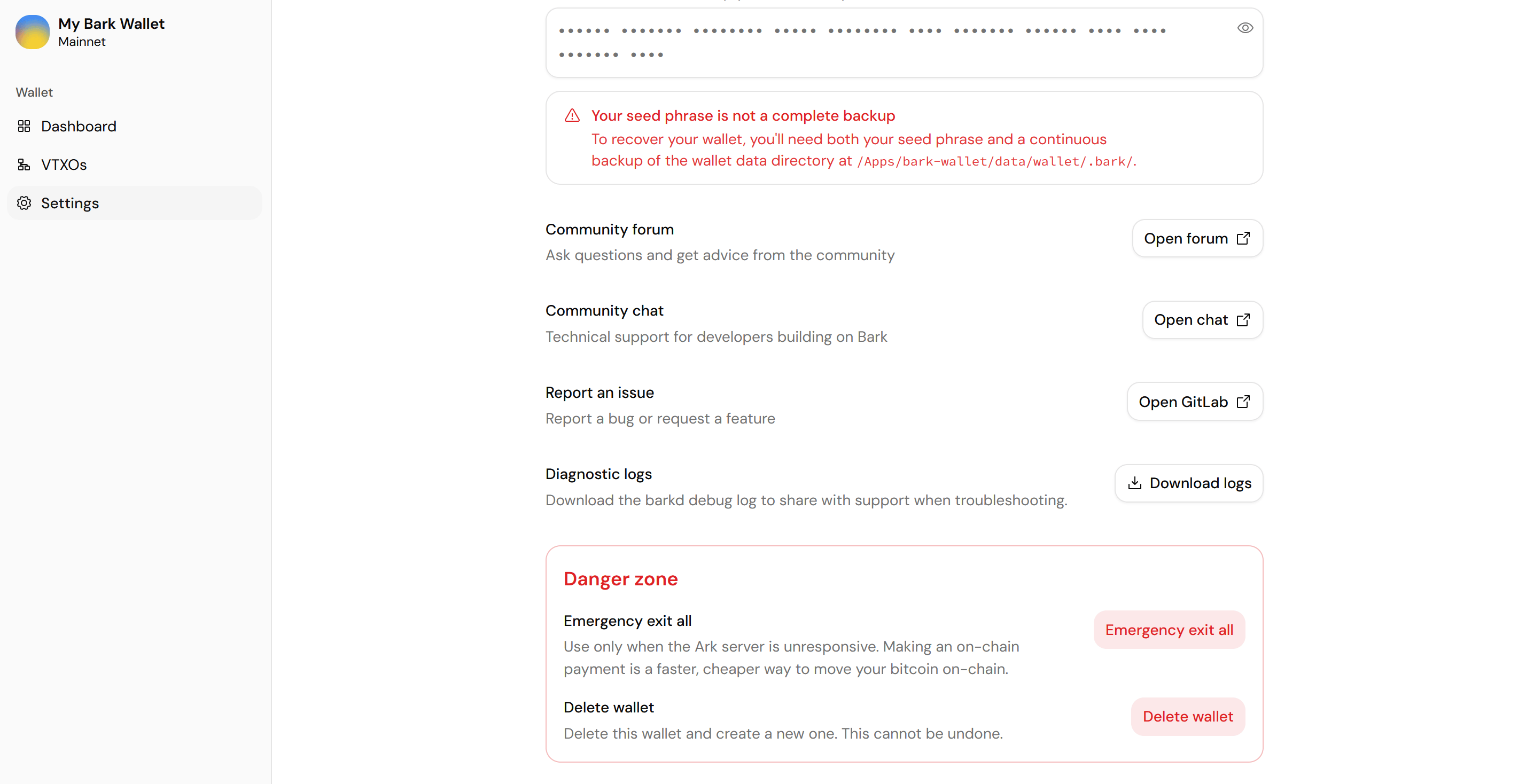
The seed phrase warning and the Danger zone sit at the bottom of Settings
Restoring your wallet takes two things: the seed phrase, and the wallet data that tracks its bitcoin. Wallet backups explains the model and shows how to set up continuous backups on your platform.
Get help and report issues
- Community forum: Questions and advice, at community.second.tech.
- Report an issue: Bugs and feature requests, on the bark-web repository.
- Diagnostic logs: Download the
barkddebug log to share when troubleshooting.
Danger zone
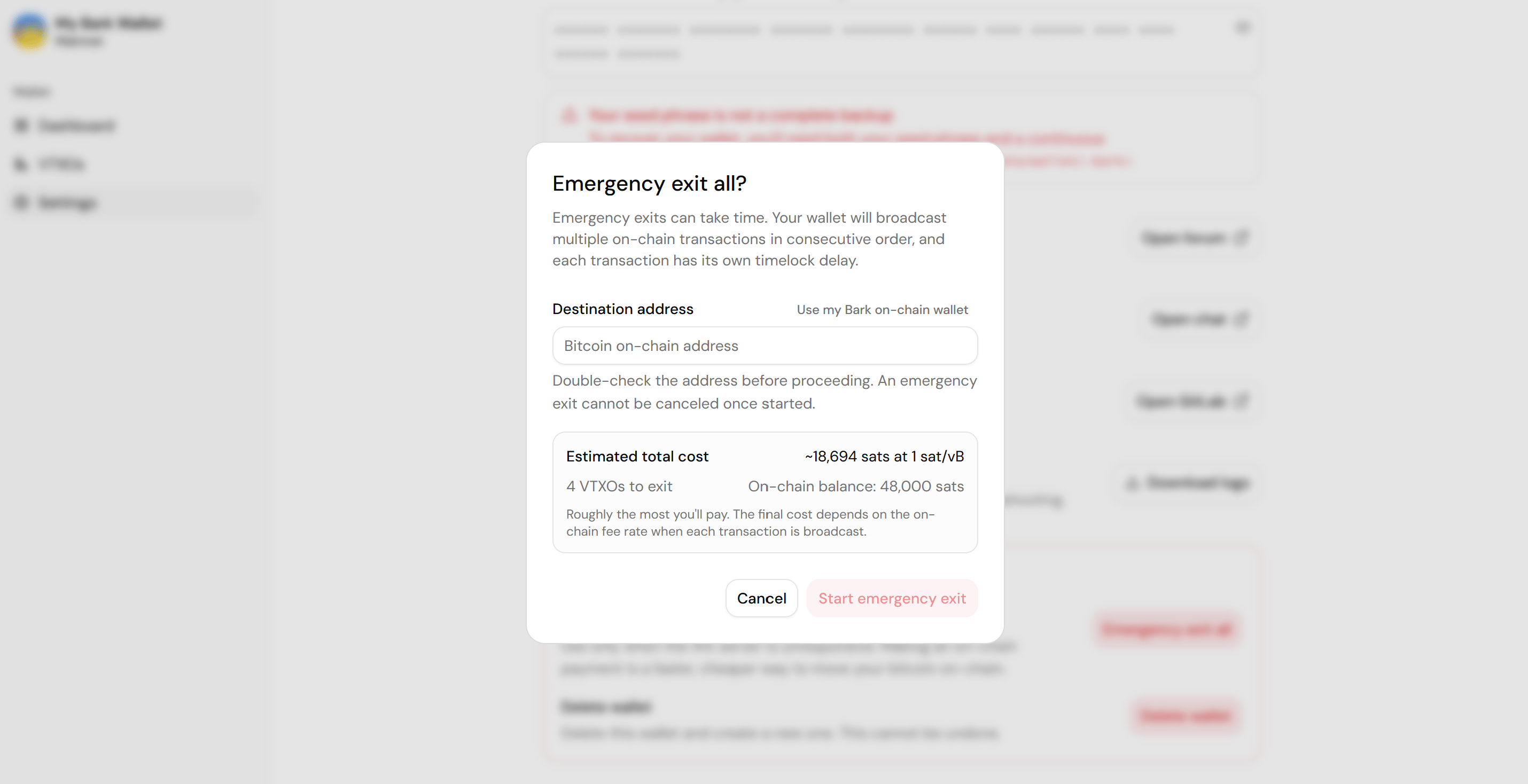
Emergency exit all begins a process that reclaims your entire off-chain balance on-chain without the Ark server’s cooperation. To exit only some VTXOs, use the VTXOs page instead.1
Check the cost estimate
The dialog shows how many VTXOs will exit and an estimated total cost at the current fee rate. The wallet app pays exit fees from your on-chain balance. If the balance can’t cover the estimate, the app asks you to deposit on-chain bitcoin first.
2
Set the destination address
This is where the wallet app sweeps the exited bitcoin once the exit outputs unlock. Paste your own on-chain address, or select Use my Bark on-chain wallet.
3
Select Start emergency exit
The wallet app starts broadcasting the exit transactions and shows a progress card in Settings.