 Neil Woodfine
Accept Lightning on BTCPay without running a node

When we launched on mainnet in June, the BTCPay Bark plugin was a GitLab link and had some rough edges. Some might have called it an alpha. Now, at version 0.9.2, it’s ready for production, and it’s possibly the simplest way for a business to take self-custodial bitcoin (especially Lightning) payments on their online store.
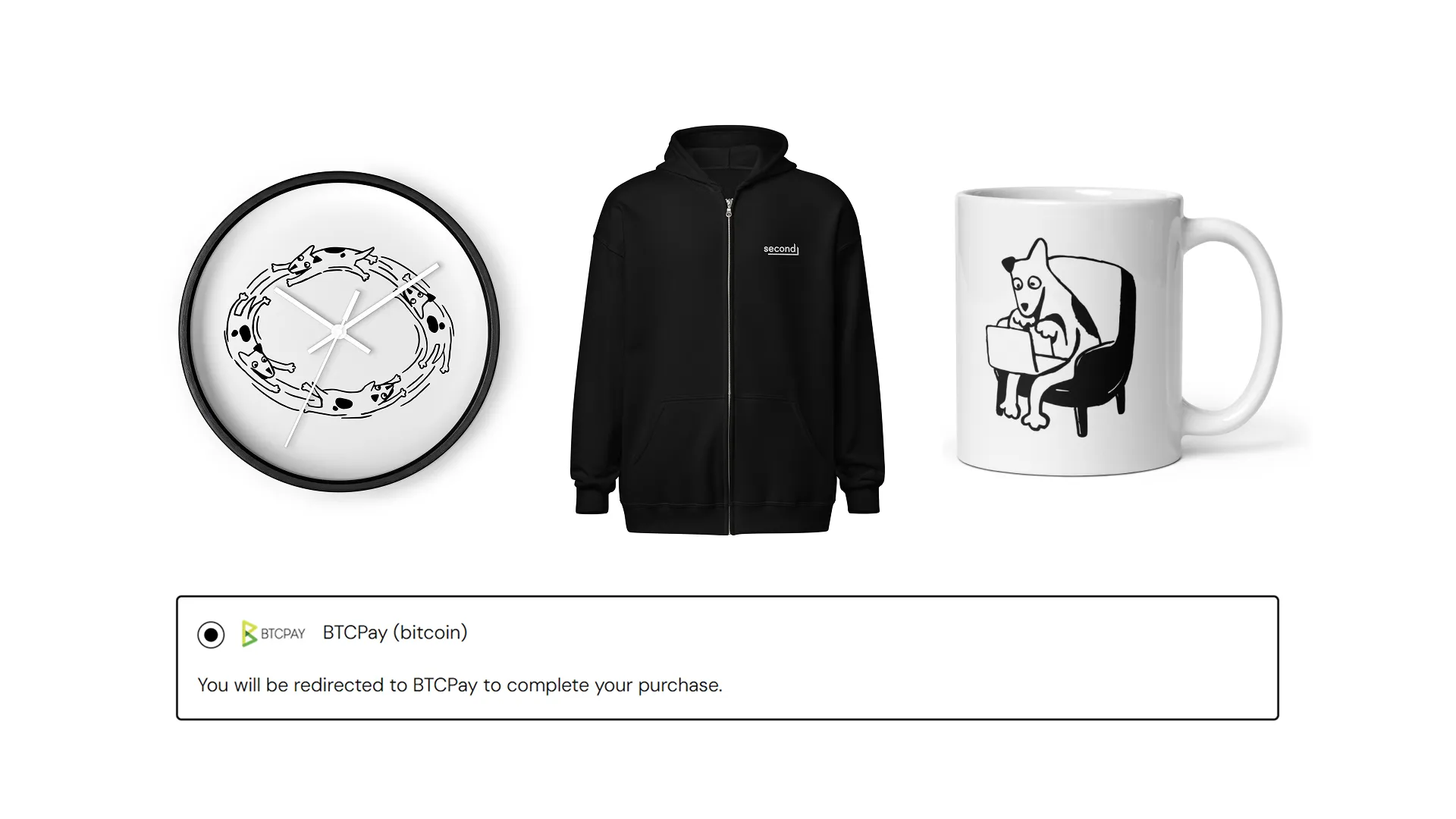
And to give the plugin a proper showcase, we’ve also opened our own swag store. Pick up Second- and Bark-themed tees, hats, and more, and pay with Lightning or Ark through a BTCPay checkout running the plugin.
Lightning on BTCPay means running a node
Lightning has become the de facto bitcoin standard for retail payments. But traditionally, merchants running BTCPay-based checkouts had to manage a full Lightning node plus all its channels and liquidity, which is a big devops burden for most small business owners.
It’s made particularly difficult because payment flows tend to be all one way—customers paying the merchant—meaning that the merchant needs to constantly rebalance their channels to ensure they have enough inbound liquidity (probably the most troublesome and expensive liquidity to source!).
Business owners want to accept Lightning, but most don’t want to run a Lightning node.
No node, no channels, no liquidity
With the Bark plugin, you don’t need to worry about node ops, channels, or liquidity. Simply install the plugin, flick a toggle, and your store is immediately Lightning-enabled. There’s no waiting for syncing or for an on-chain payment to open your first channel.
Customers at checkout will see one simple unified QR code offering on-chain, Lightning, and Ark, allowing their preferred wallet to pick the most efficient payment method.
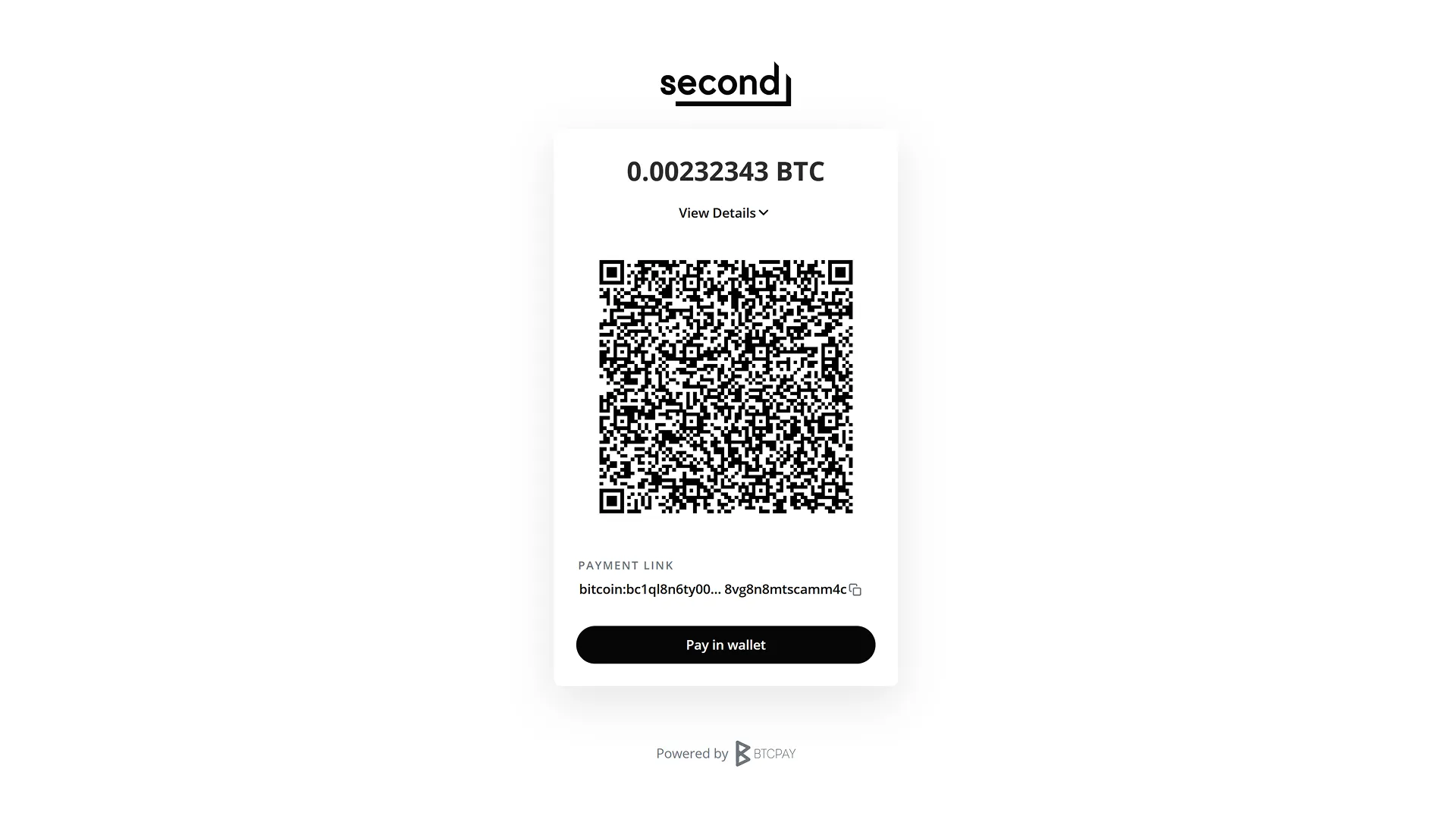
There’s no inbound liquidity to worry about, so you can receive payments, large and small, indefinitely. All Lightning payments land in your off-chain Ark balance, which can be withdrawn over Lightning, on-chain, or Ark whenever you need.
Receiving over Lightning is free for you, and your customers pay nothing beyond standard Lightning routing fees to reach your store. And of course your customers get completely free Ark payments if they’re using a Bark-enabled wallet like Noah, Arké, Bark Wallet, Satsigner, Cypher Box, or Ibis.
Payments down to one sat are supported over both Lightning and Ark, so your product prices can go a lot lower than with most other nodeless solutions on the market, if you need that.
The Bark plugin was very much a team effort, but special thanks go to phreak / James Bitcoin Bond for stepping in to help us with some extensive contributions.
Try it and buy some swag
If you want to see the plugin in action, try buying something from our new swag store. Bonus points if you pay from one of the growing number of Bark wallets.
Not just a payment plugin, a whole Bark wallet
We didn’t hold back with the latest version of the plugin. This is one of the most comprehensive Lightning-enabling plugins available.
- New dashboard widgets: New widgets that give you a convenient heads-up view of your store’s activity across both on-chain and off-chain payments.
- Full send and receive functionality: The plugin operates as a full-fledged wallet, offering both dedicated Send and Receive pages, and Send even offers optional Branta destination verification.
- Automated wallet maintenance: Our reference wallet daemon, Barkd, runs in the background, ensuring your Ark balance is always refreshed without you needing to think about it.
- Refresh control: Leave it to auto-refresh near expiry (usually within 24 hours of receiving a payment) to keep refreshes free, or refresh on receive for a small fee and extra security.
- Manage individual VTXOs: For advanced users who want to look under the hood, the plugin offers a VTXO page where you can refresh, offboard, and exit individual VTXOs.
- Recovery phrase backup and restore: Write down your store’s recovery phrase once, and you can recover the wallet’s balance on a fresh install if your server ever dies.
- Emergency exit: To make sure the plugin is truly self-custodial, the plugin can independently process emergency exits to reclaim your entire off-chain balance on-chain without the Ark server’s cooperation.
Install it on your own BTCPay Server
The Bark plugin runs on self-hosted BTCPay Server 2.4.4 or later. Grab it from the BTCPay Plugin Builder, or follow the setup guide for step-by-step instructions.
For support or feature requests, we have the community forum and community chat.
Try the plugin, and if you like it, please write a review on the Plugin Builder. It helps other operators find it.
To keep up with Bark releases, sign up to our newsletter. Roughly monthly, no spam, unsubscribe at any time.