

Receive bitcoin
The Receive screen generates a payment link and QR code with two options:- All networks
- Ark only
One QR code a sender can pay over on-chain, Ark, or Lightning. The Lightning option activates once you enter an amount. Select Generate another payment link for fresh addresses.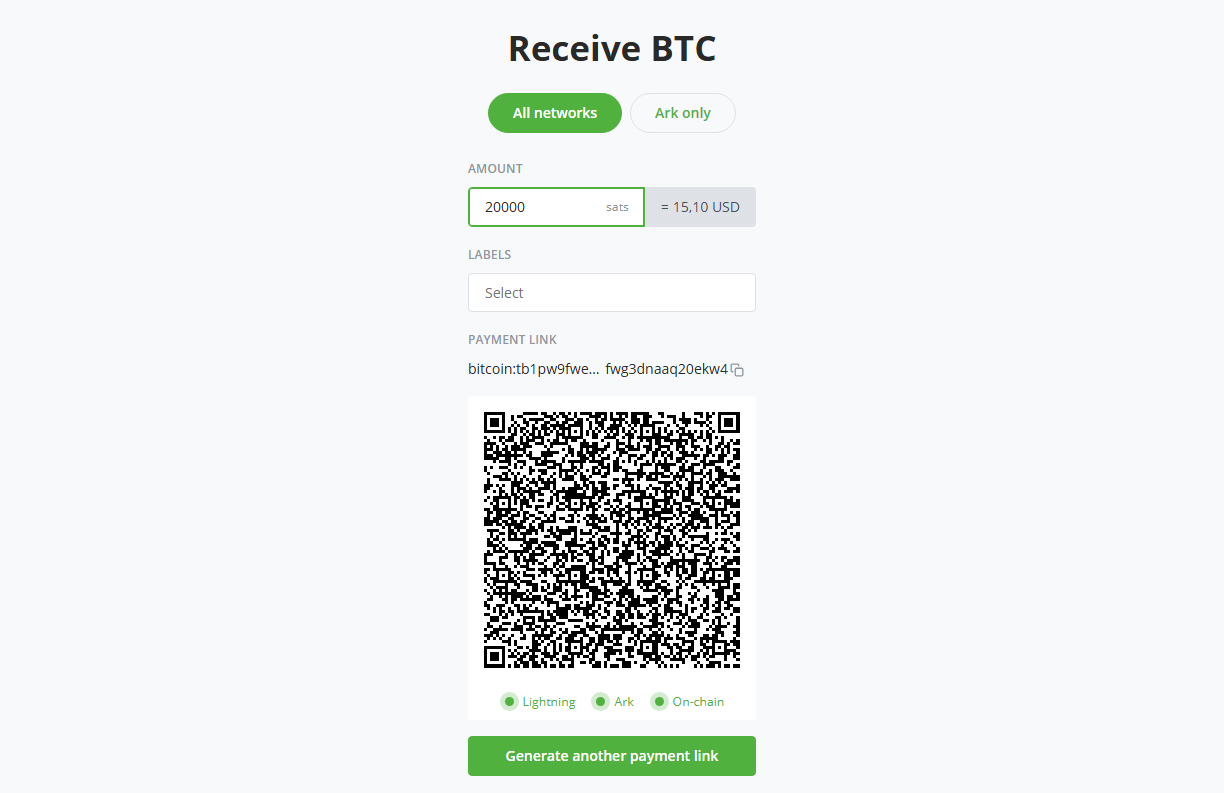
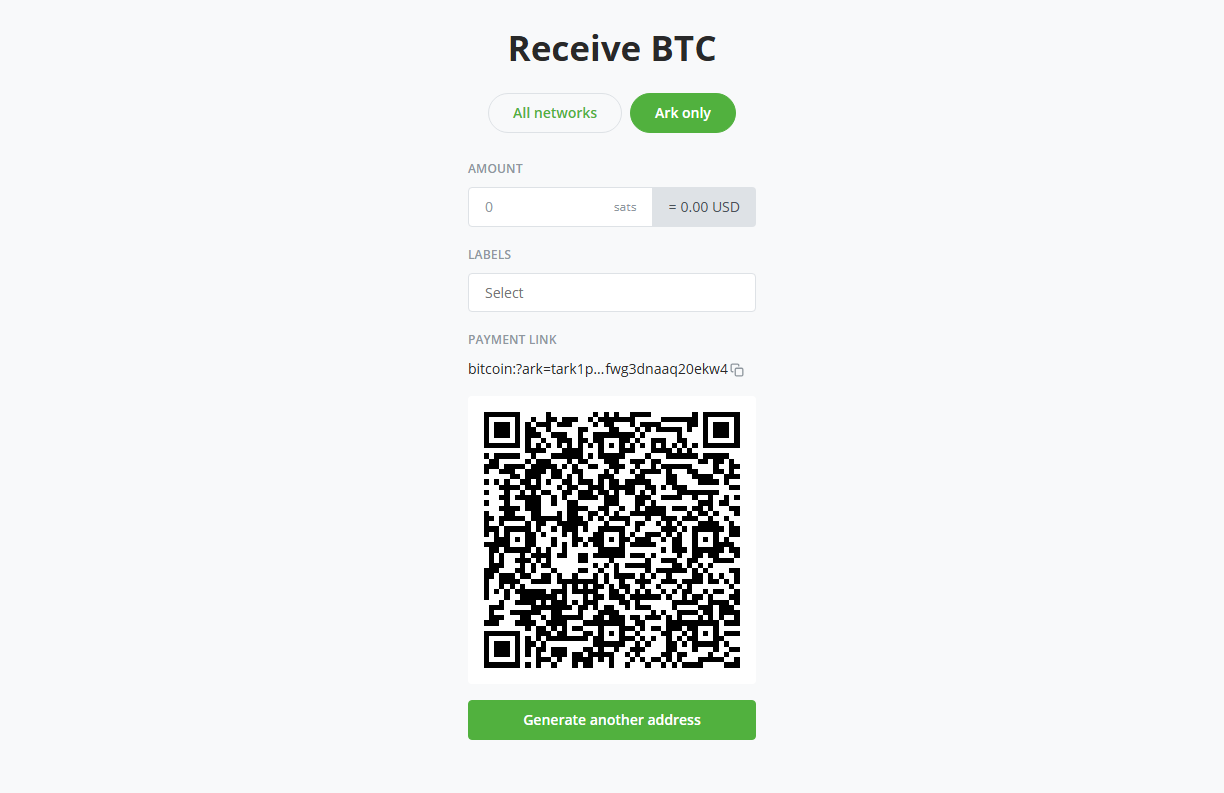
Where the bitcoin lands depends on how the sender pays:
- Ark and Lightning payments arrive in your off-chain balance as VTXOs.
- On-chain payments arrive in the Bark on-chain balance. This is how you fund the emergency exit reserve.
Send bitcoin
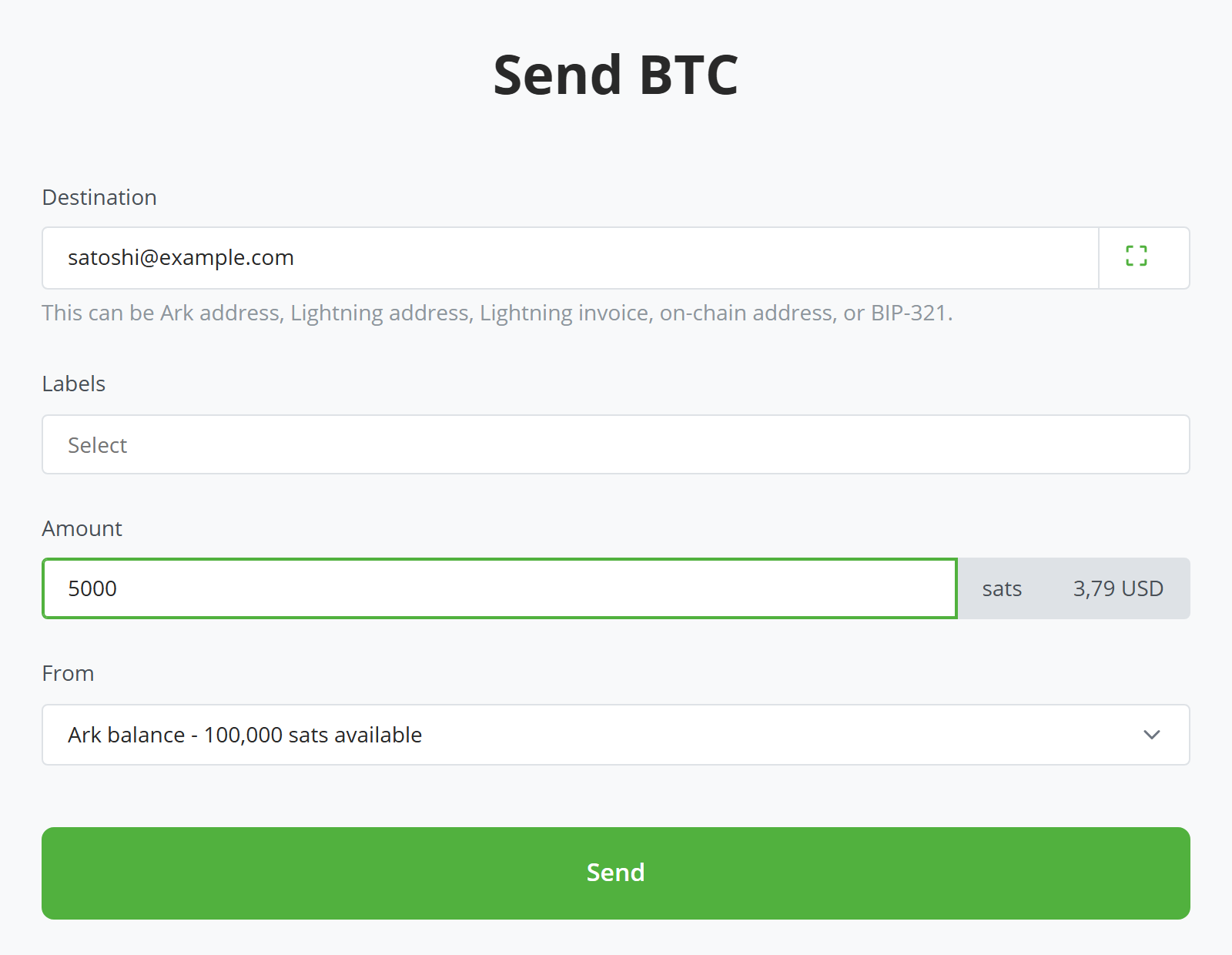
To send from your off-chain balance:1
Enter the destination
Paste or scan an Ark address, a Lightning address, a BOLT11 invoice, or a BIP-321 payment link.
2
Enter the amount
In sats, with the fiat value shown alongside. An invoice or payment link that carries a fixed amount fills this for you.
3
Leave the From selector on Ark balance
4
Select Send
The transaction appears in the transactions list with its status.
To move bitcoin from your off-chain balance to an on-chain address, offboard VTXOs from the VTXOs page.
Confirm the recipient with Branta
When the destination you enter is registered with Branta, a verification line under the field names the platform it belongs to. You can then confirm the payment details match who you think you’re paying. If a payment link carries a Branta signature that doesn’t match its destination, the plugin shows a tamper warning instead. Recipients opt in to Branta on their side: no line simply means the destination isn’t registered, not that anything is wrong. You can turn the lookup off in the plugin’s settings.Fund and withdraw the on-chain balance
Bark’s on-chain balance is likely to be used very little. You should only need to receive bitcoin to your Bark on-chain balance once, to add an emergency exit reserve. Sending bitcoin from your Bark on-chain wallet should only be required after you have performed an offboard or emergency exit. Moving bitcoin in and out of the Bark on-chain wallet mirrors the off-chain Receive and Send flows above:- Add bitcoin to the Bark on-chain wallet: Go to Bark > Receive and send an on-chain payment to the QR code or payment link shown.
- Move bitcoin out of Bark’s on-chain wallet: Go to Bark > Send, set From to Bark on-chain balance, and enter an on-chain address. This source only pays on-chain addresses.
Bark wallet fees
- Off-chain balance: Sends to Lightning destinations and offboards carry fees that scale with the amount and your VTXOs’ remaining lifetime. Offboards also pay the on-chain fee. Sends to an Ark address are free. See Second’s pricing.
- On-chain wallet: Standard on-chain fees.