

Where checkout payments land
Your customers pay through the regular BTCPay checkout and see nothing new. Behind the checkout, the plugin splits payments across two wallets:- Lightning and Ark payments: Arrive in your store’s Bark wallet.
- On-chain payments: Arrive in your store’s native BTCPay wallet, exactly as before the plugin.
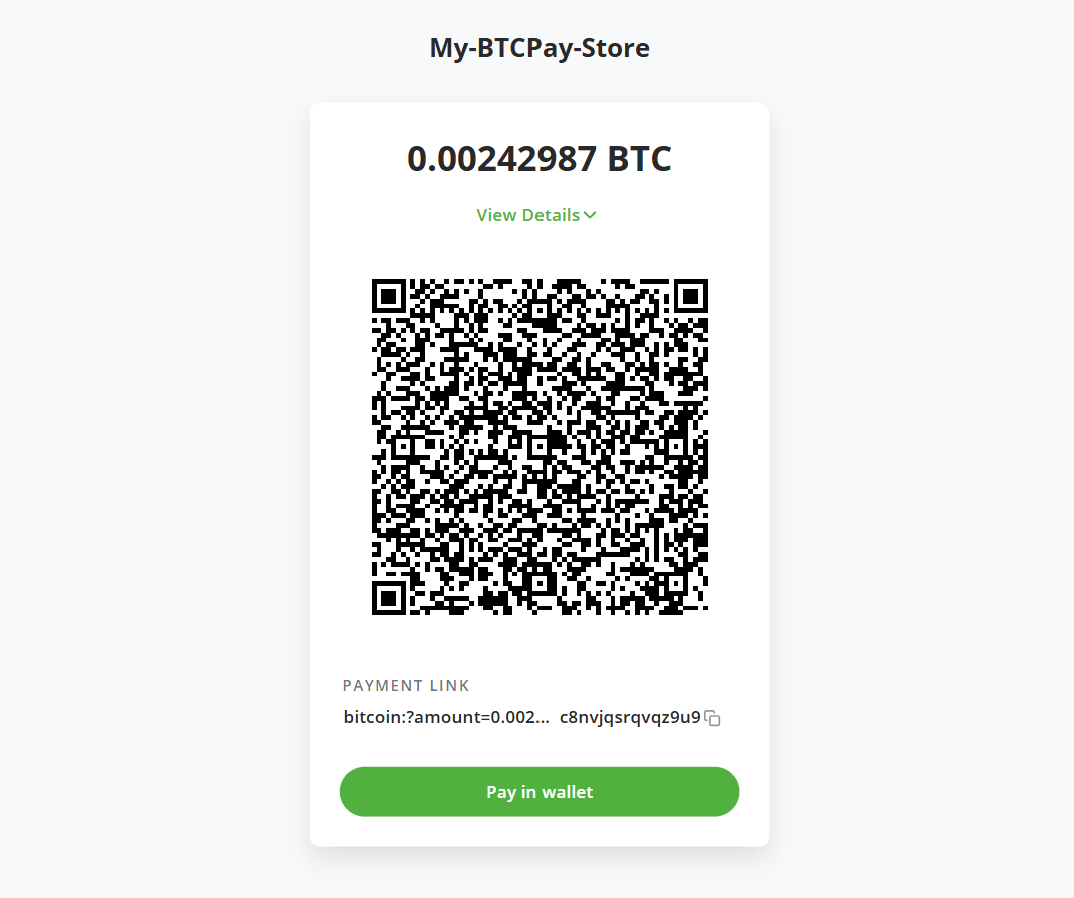
The checkout looks the same, but the QR code and payment link now embed Lightning and Ark payment details too
What the plugin manages for you
- One Bark wallet per store: Each store on your server gets its own Bark wallet, with its own keys and balance.
- Wallet maintenance: The plugin runs a full Bark wallet for each store and handles all required maintenance tasks (e.g., refreshes) in the background for you.
- Notifications: Bark wallet events feed into your usual BTCPay notification stream: payments received outside the checkout, refresh alerts, emergency exit and offboard progress, and wallet daemon issues.
- Reporting: Every Bark payment lands in a Bark Wallet report in your store’s Reporting page, ready to export.
Set up and run your store’s wallet
Install the plugin
Install the plugin from the Plugin Directory and set up a Bark wallet for your store.
Back up your wallet
Write down the recovery phrase and set up continuous backups of the wallet.
Understand your balances
How to read the Bark wallet page, including off-chain and on-chain balances.
Manage your Bark wallet
Move bitcoin in and out of the wallet from the admin interface.
Manage your VTXOs
Inspect, refresh, offboard, and exit individual VTXOs.
Export your Bark activity
Download every Bark payment and maintenance operation as a CSV.
Configure the plugin
Payment toggle, refresh behavior, Branta verification, and the emergency exit.