

1
Open Reporting
Select Reporting in your store’s sidebar.
2
Select the Bark Wallet report
Open the report dropdown and select Bark Wallet.
3
Pick a date range
The date filter works as for any other BTCPay report.
4
Select Export
BTCPay downloads the rows as a CSV file.
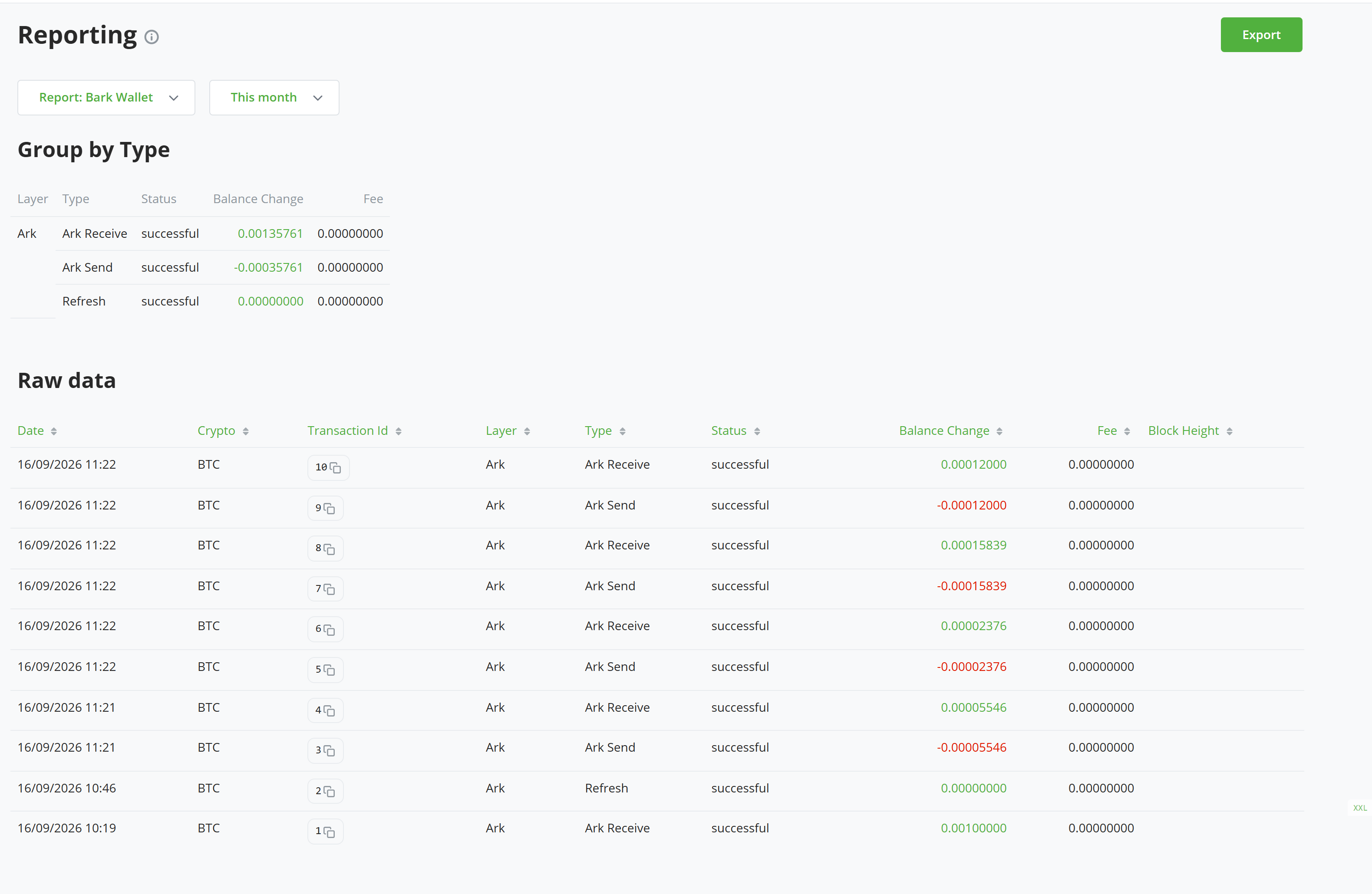
One row per payment or maintenance operation, with the layer it settled on and the fee it paid
Read the columns
Refreshes appear only once they succeed.