

Update the plugin
New versions carry the latest fixes, so update as soon as one ships.1
Open Installed Plugins
At the top right of the interface, select the plugins icon to open its dropdown menu, then select Installed Plugins.
2
Select Update on the Bark card
The button appears when a newer version is available, shown in a badge next to the installed version.
3
Select Restart now
BTCPay Server loads the new version during startup.
Uninstall the plugin
Uninstalling the Bark plugin removes it for every store on the server. Your bitcoin doesn’t move: keys and wallet data stay in BTCPay Server’s data directory, and reinstalling the plugin restores access to the same wallets.1
Open Installed Plugins
2
Uninstall Bark
Find Bark in the list and select Uninstall.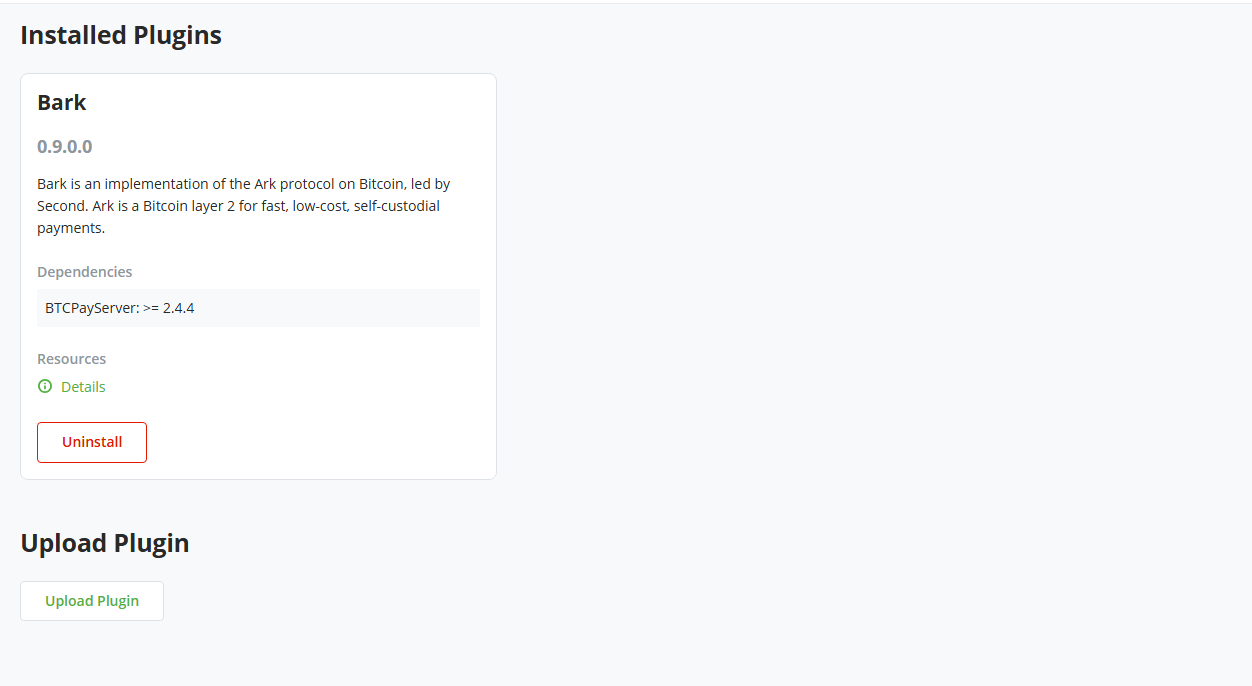
3
Select Restart now
BTCPay Server removes the plugin during startup.